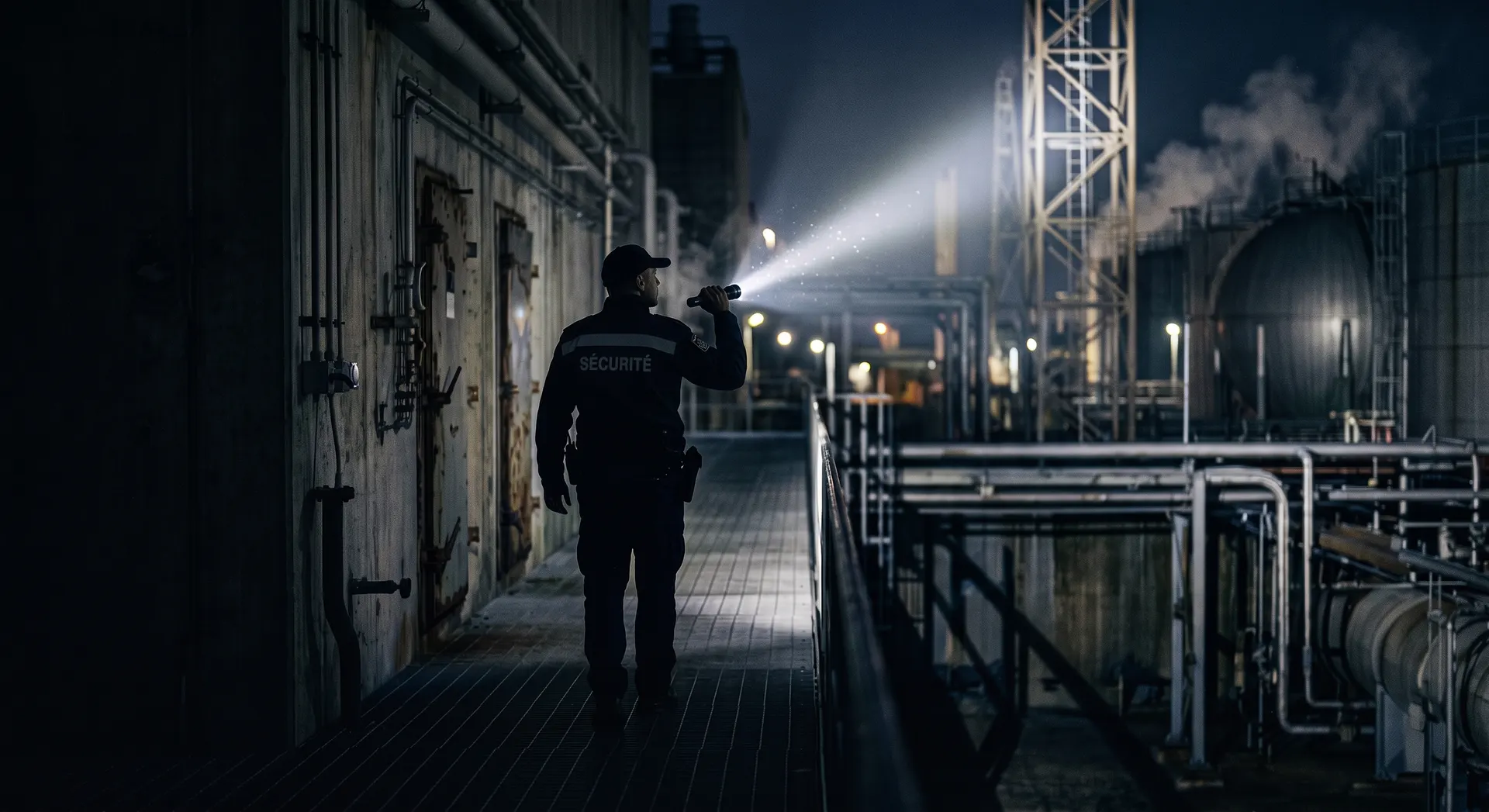
TRAAKMe, lone worker protection app and field teams
TRAAKMe turns a staff member's or contractor's smartphone into a lifeline connected to the remote monitoring centre or management control room. Lone worker and field staff protection, geo-referenced alerts, risk-zone monitoring and SOS alerting brought together in a single application, with no hardware unit to supply and no infrastructure to deploy.
Available on Android and iOS · Designed and developed in-house in France by TRAAK

ONE APPLICATION. TRACKING, ZONES, ALERTING.
Three modes of use, one system
Developed entirely by TRAAK, the app keeps running even with the screen off or the app closed. TRAAKMe withstands network outages as well as restarts, ensuring that alert messages are always delivered. Continuous tracking and zone monitoring combine according to the operational need of the moment.
Receive geo-referenced alerts and manage crisis situations
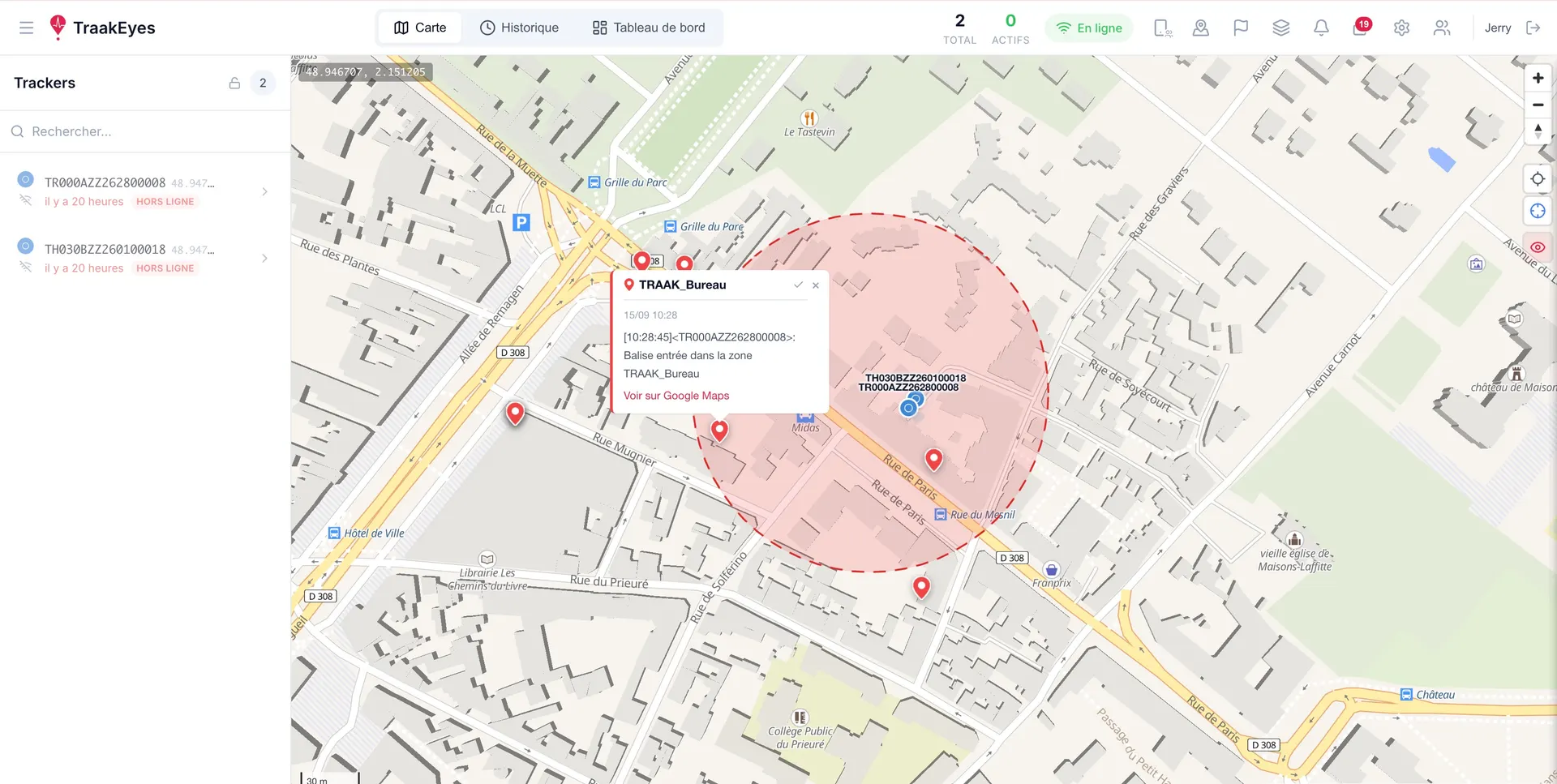
TRAAKMe's positions and alerts arrive in TRAAKEyes, the supervision platform common to all TRAAK trackers and services. The security manager sees the people, vehicles and objects being tracked on the same map, and can manage all associated alerts and zones.
Every alert arrives timestamped and geo-referenced with the user's record as defined by their organisation. The operator has all the information needed to manage the situation.
When a zone becomes dangerous (attack, fire starting or crowd movement), the operator can draw it live. TRAAKMe sends it to connected users, checks whether their position is at risk, and TRAAKEyes identifies the people present within the perimeter. The alert only concerns exposed people, not mass tracking.
TRAAKEyes interface, non-contractual visual
In the field, every day
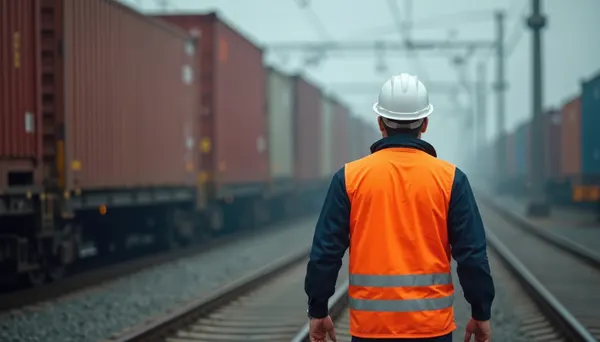
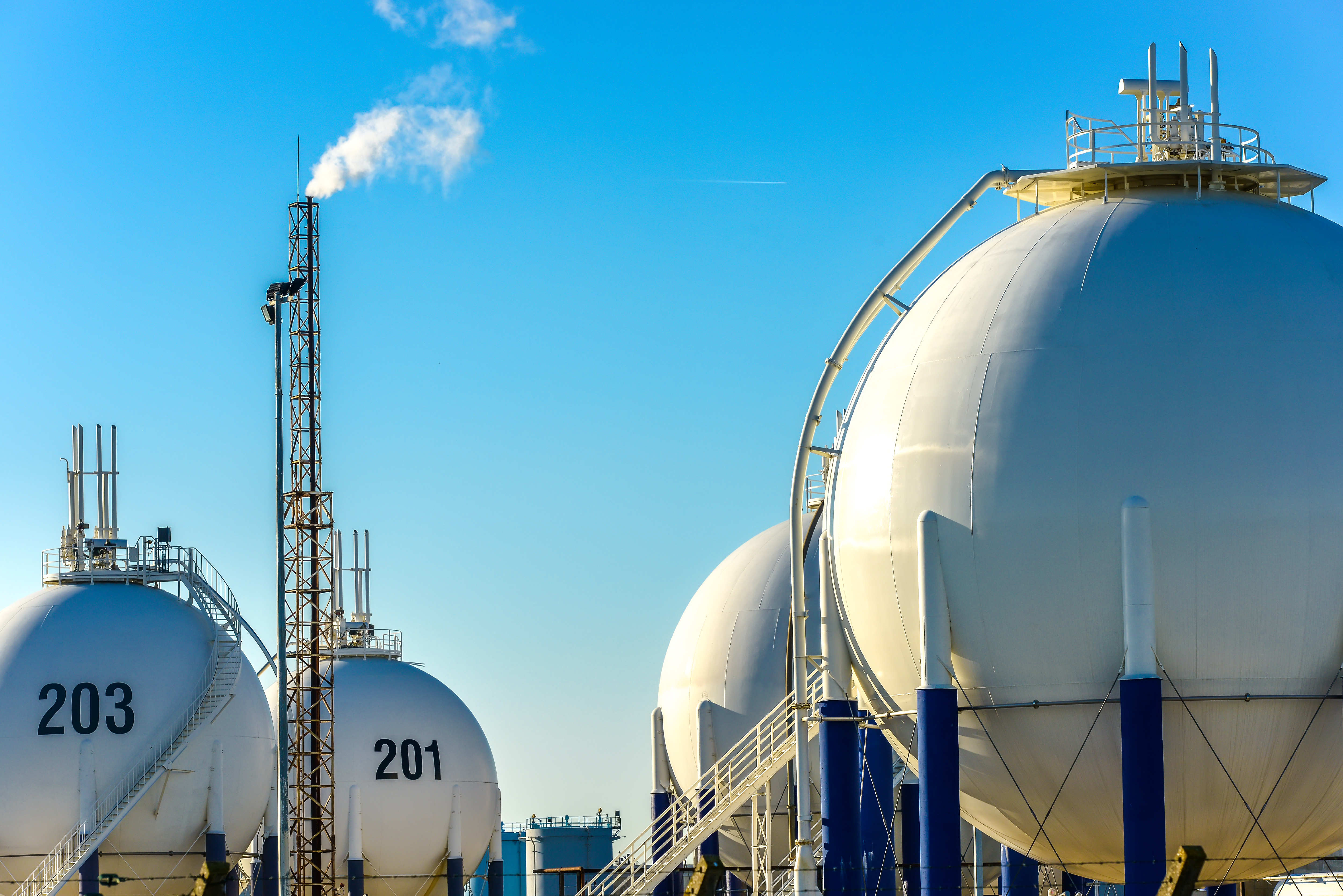
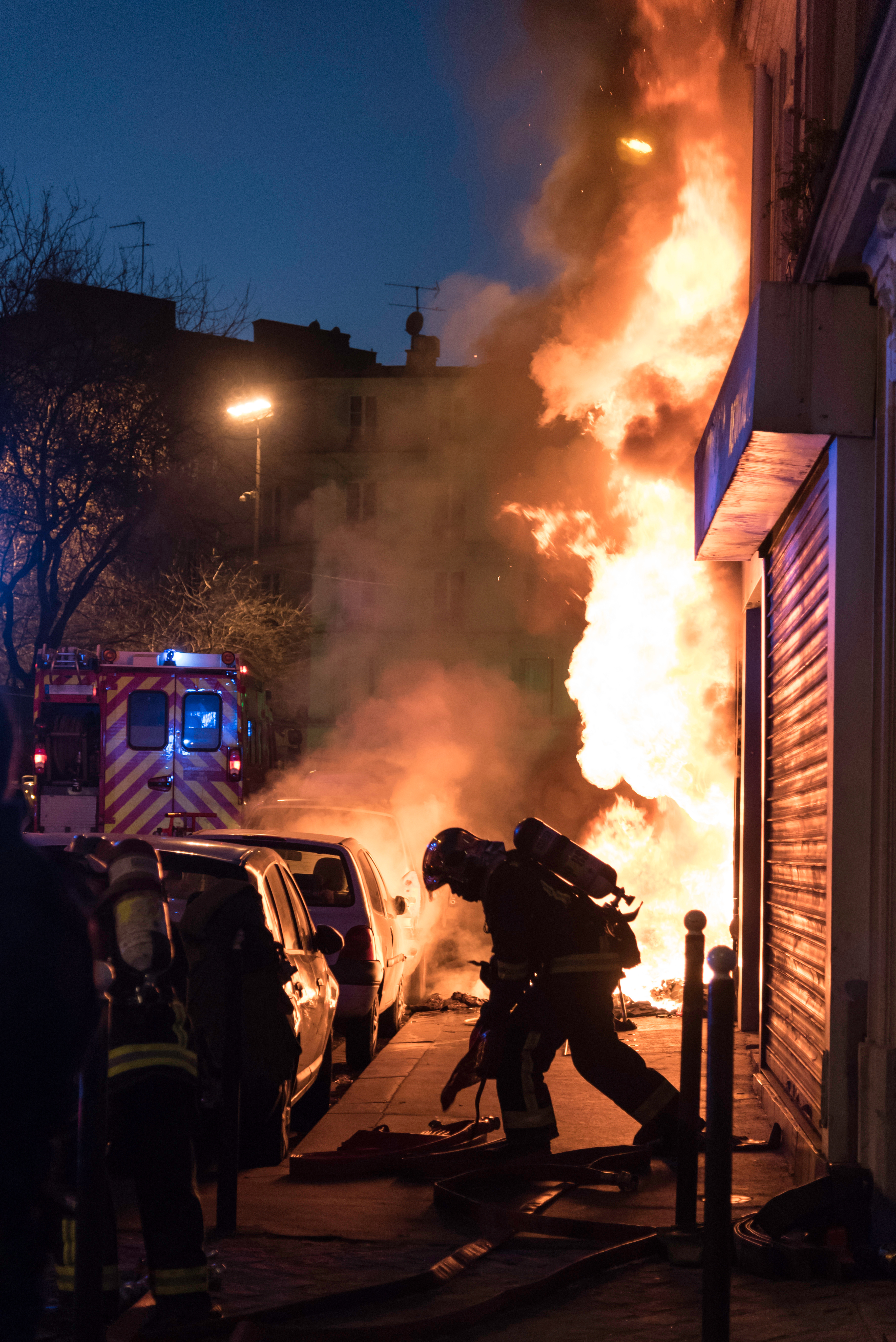
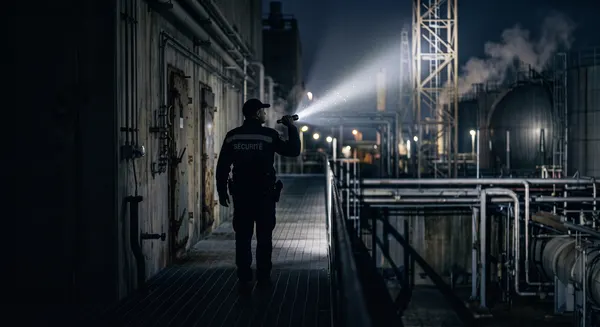
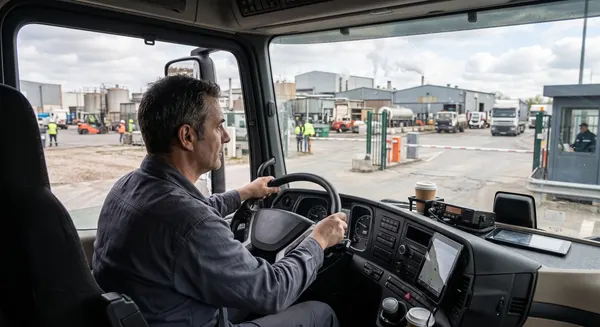
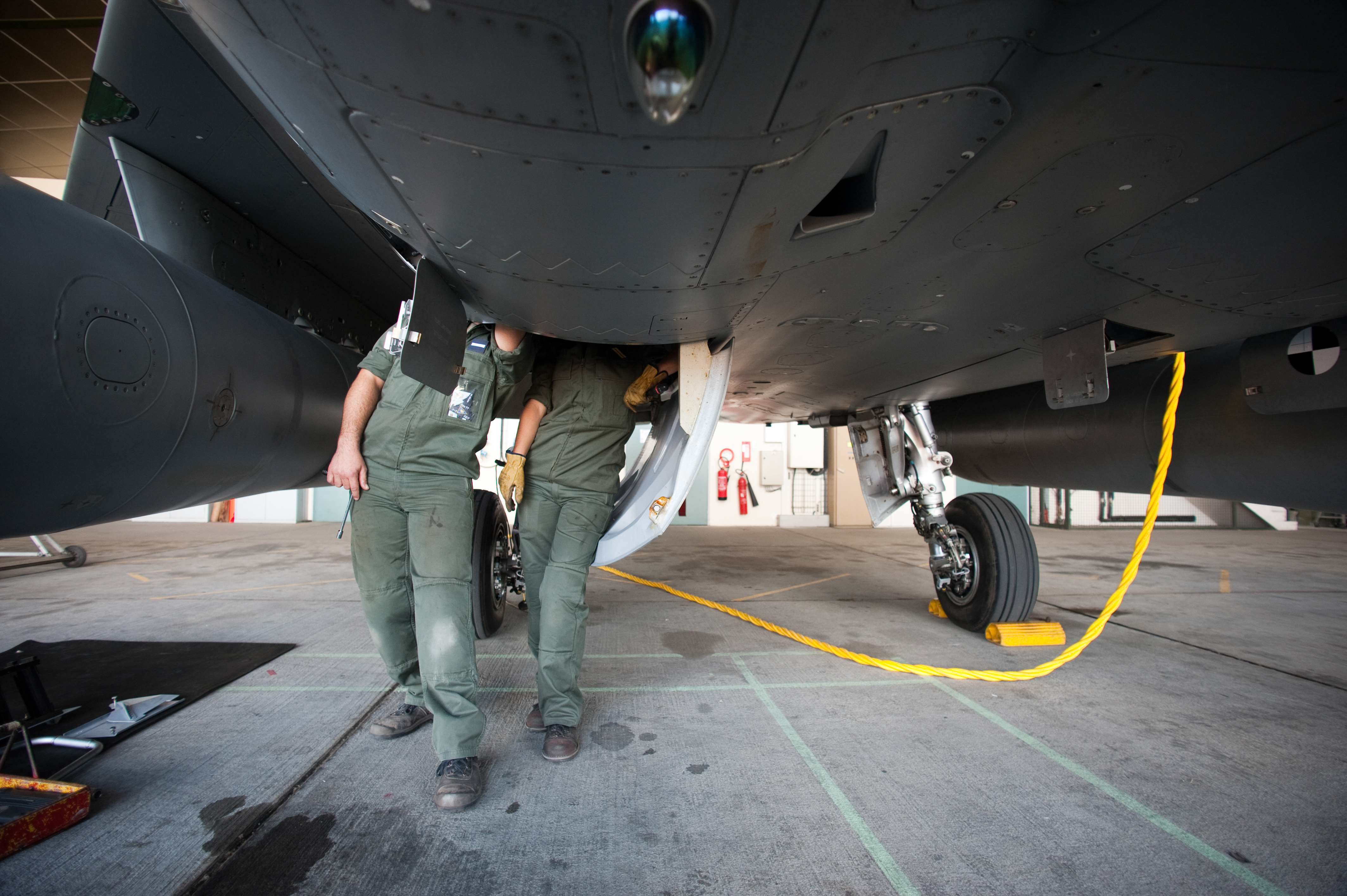
A lone worker app built for real-world conditions
TRAAKMe, screen by screen
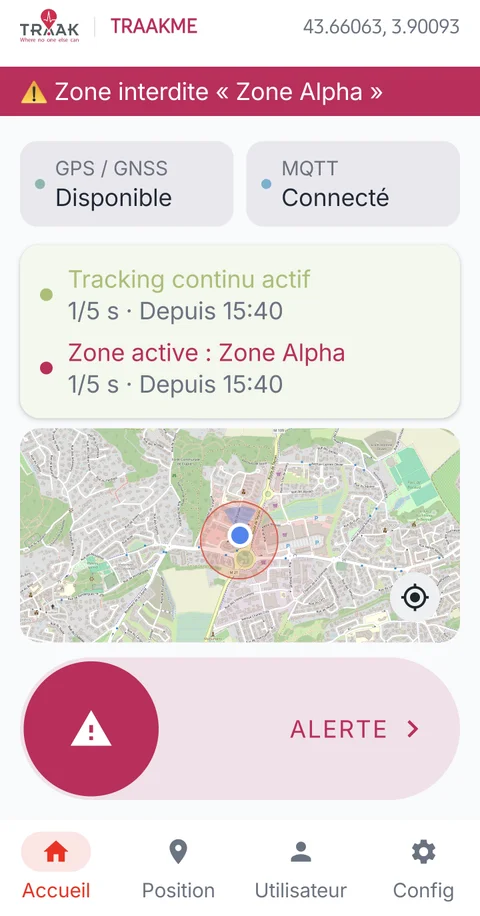
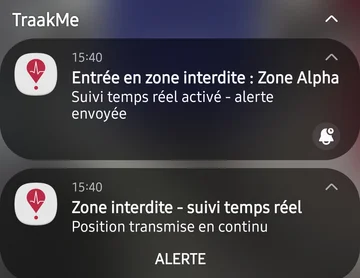
- Status banner: active tracking · silent zone · real-time restricted zone
- Zone entry/exit notifications, visible on the lock screen
- One-swipe SOS alert, timestamped send confirmation
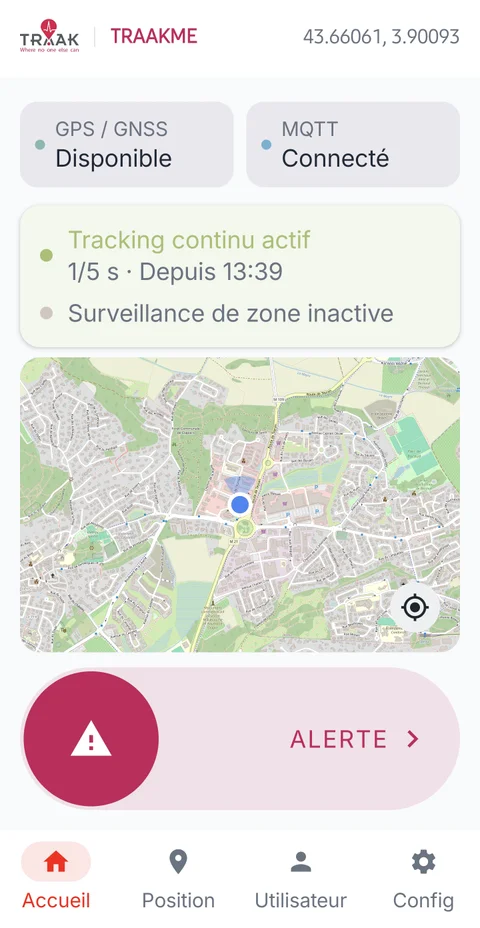
- Tappable GPS & MQTT indicators, link to the screen to fix
- Tracking card: active/inactive, start time, pending positions
- Send frequency shown live, adjustable from 1 s to 1 h
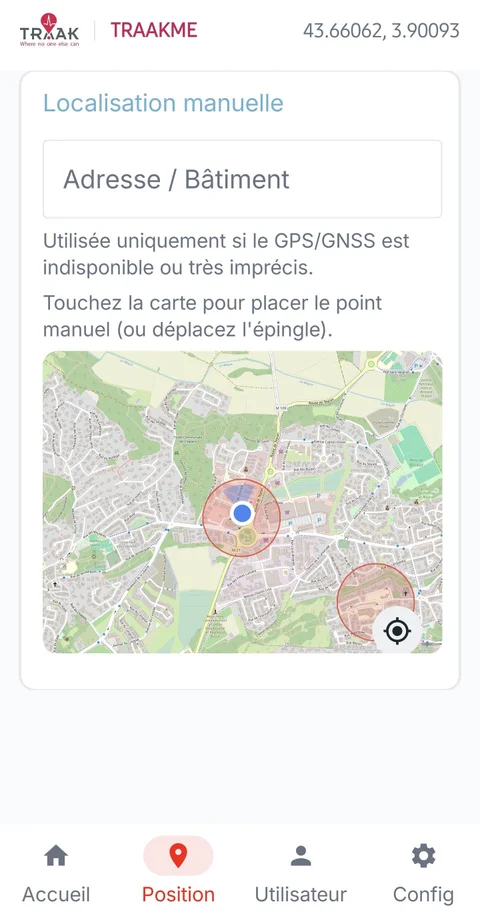
- Address entry with geocoding and real-time suggestions
- Map selection, draggable pin
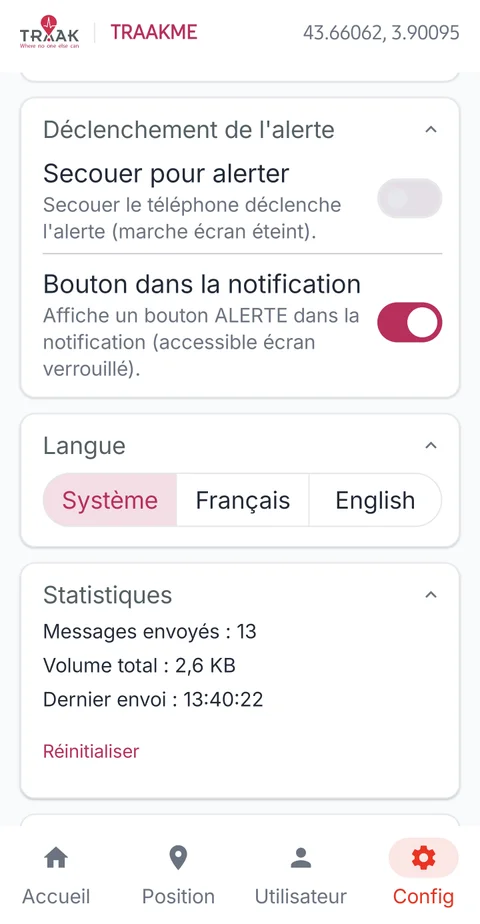
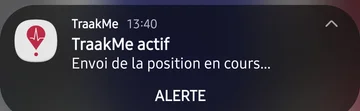
- Triggers: shake (adjustable sensitivity), button in the persistent notification
- "TraakMe active" notification with ALERT button, visible on the lock screen
- FR/EN/System language, live send statistics
Monitoring that stays under the user's control
TRAAKMe was designed with GDPR in mind. The application only transmits the data required by the chosen mode, and the user keeps control over the communication of their position.
Technical characteristics
Other languages on request
When the mission calls for a dedicated tracker
TRAAKMe is part of the TRAAK range for personnel tracking and protection, Blue Force Tracking and lone worker protection. For outdoor terrain without network coverage, Theseus beacons communicate across multiple networks, including satellite, and trigger automatic fall or immobility alerts. For multi-level buildings and underground areas, PIXYS 3D locates people where GPS doesn't reach. All of them report into TRAAKEyes.
Everything about TRAAKMe
What's the difference between TRAAKMe and a DATI or PTI unit?
DATI or PTI units are dedicated hardware to distribute, recharge and maintain. TRAAKMe installs on a smartphone, including a personal phone, and easily connects it to the security post: SOS alert, position tracking and risk-zone monitoring. If your risk assessment requires a dedicated device, Theseus beacons take over.
Does the app work without a network?
Yes. Without network, alerts are kept on the phone and sent as soon as the connection returns. Scheduled alerts are pre-sent to the server, so only cancelling them depends on the network. Positions are kept for up to about 24 h, then transmitted when the signal returns. Receiving a zone declared live requires 4G/5G or Wi-Fi coverage.
Who receives the alerts?
The recipients you configure in TRAAKEyes: security post, team leader, HSE manager. Every alert arrives with the position and identity of the user. A log of alerts and of connection/access activity is available at all times.
Is TRAAKMe GDPR compliant?
The app was designed with GDPR in mind: explicit, timestamped consent, silent zone monitoring outside the zone, deactivation at any time, hosting in France or within your organisation. TRAAK has no access to your organisation or to the position of your personnel. Informing employees and consulting staff representative bodies remain your responsibility.
Where is the data hosted?
On TRAAK's secure infrastructure in France, or entirely on your own servers. TRAAK has no access to your data.
Do I need to deploy any infrastructure?
No. A smartphone and access to the TRAAKEyes platform are enough. Integration via API to your information system is possible.
Test TRAAKMe on your terrain
A demonstration built around your sites, your teams and your risk zones.
Technologies invented and manufactured in France